
Don’t worry, I’m not talking about stealing Microsoft Office. You can have all the functionality of Word, Excel, and PowerPoint without spending $324.99 on Office 2007 
Here’s where I tell you I lied. You actually get all the functionality of office without the cost but you don’t get Microsoft Office exactly. There’s a program I’ve recently downloaded that I LOVE and it’s free! Yes, it is completely legal and everyone is encouraged to use it. The program is called OpenOffice.
OpenOffice includes a database (like Access), word processor (Word), spreadsheet (Excel), presentation (PowerPoint), and even throws in two extra programs; Math and Draw.
Installation
The installation was easy to do and there were no problems. The download was easy but it took a little while to finish. Once I unzipped the package things went smoothly.
Writer
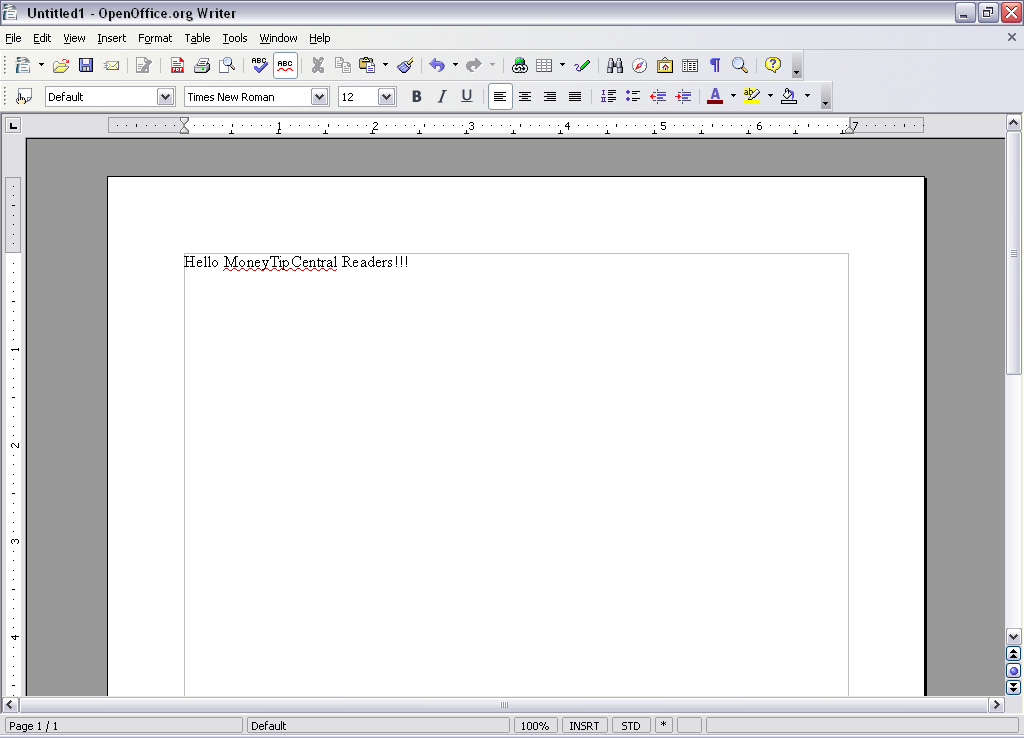
You can see from the tool bar and menus are very close to what you are used to in most word processors. There are two features that I really like about Writer: 1) There is an auto complete that offers a suggestion for the end of the word you’re typing. If you agree with the suggestion simply hit the space bar and OpenOffice will finish the word for you. 2) They offer an export to PDF button in the menu.
One of the best features about OpenOffice Writer is that it can open almost any file type. It doesn’t matter if it’s a .doc, .wps, or .xml it will open it. That feature alone is invaluable.
Calc
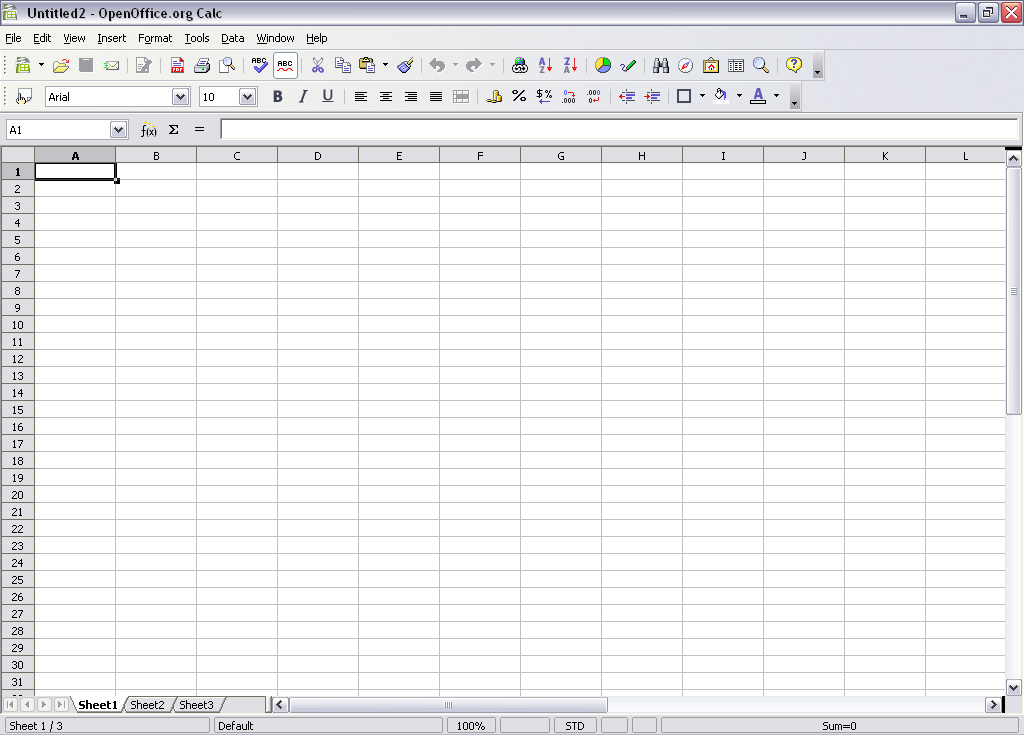
Calc is OpenOffice’s spreadsheet program. It looks to have a robust set of tools and standard features like you’d see in Excel. The one thing I’ve really appreciated is that Calc has many of the word processing featured built in. The spell-check-as-you-go works great. It saves me the embarrassment of sending out a spreadsheet riddled with my poor spelling attempts.
Base

Base is a database creator like Microsoft’s Access. Like the other applications it allows you to open and edit third party files. If you were to buy Access you’d have to pay extra for it because it’s generally not included in the standard office suite.
For a startup business OpenOffice’s Base could be a life saver.
Impress
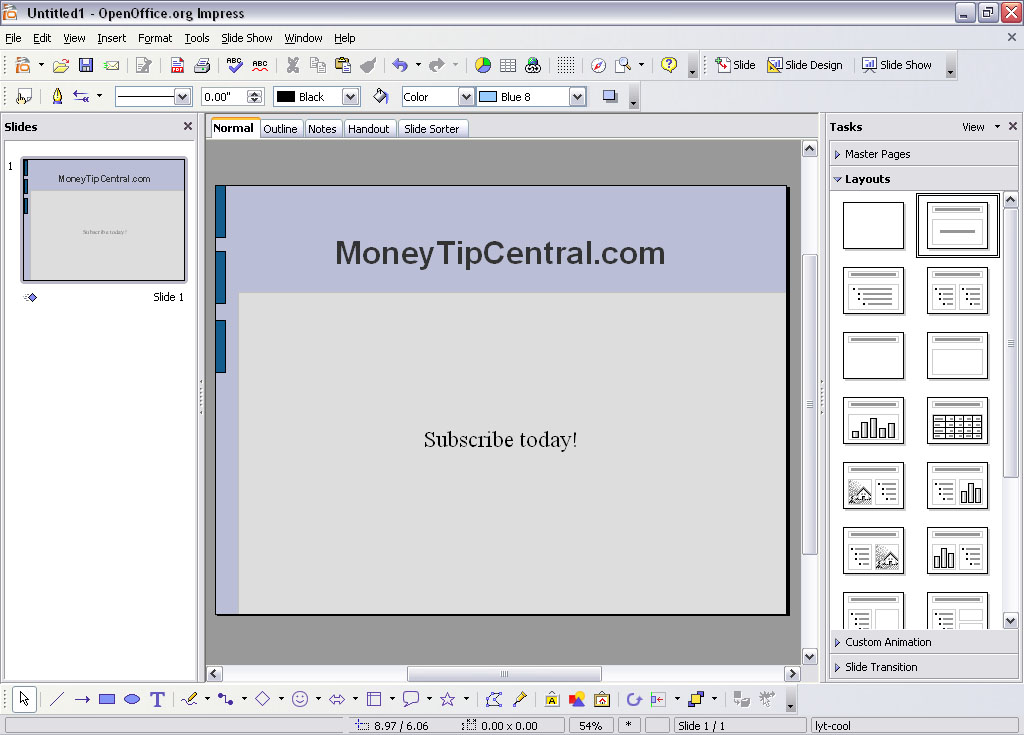
Impress offers a wide range of tools and resources to make eye popping presentations. Because the community is so active you won’t have any problems finding new templates or add-ons to spice up your presentation. Impress definitely rounds out the OpenOffice offering, making it a very attractive tool for all your business needs.
Draw
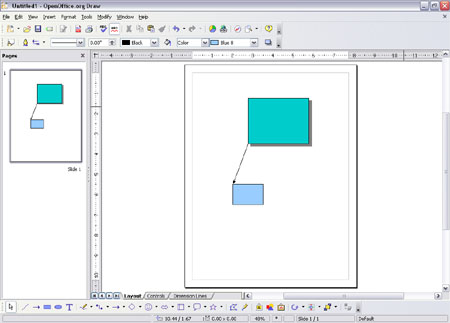
OpenOffice Draw provides the flexibility you might not find in a word processor or a power point slide. Draw gets out of the way and allows you to make a page with video, audio, charts, graphs, shapes, text, and more if you’d like. If you had a notepad and you were trying to write down all your ideas Draw gives you the same flexibility. So cut loose and create something fun with this one.
Summary
OpenOffice has done a great job in providing an alternative to the standard office suite. There has been a lot of thought put into each of these applications. In many ways they have invented a better mouse trap and are giving it away for free.


 zer0-Kill says:
  kernow
 RAJPAL TYAGI